
Aquatic Game Level Explanation
CSSE topic-by-topic explanation of the Aquatic game level code.
Aquatic Game Level Explanation
This notebook explains the code in Aquatic For Reference.js using CSSE topics like functions, arrays, booleans, conditionals, classes, constructors, methods, strings, data abstraction, math expressions, variables, and iteration.
Each section below connects one CSSE topic to a real code pattern from the Aquatic level file.
Before the topic-by-topic breakdown, the notebook now includes a small playable aquatic runner and a preview of the assets currently wired into the published site.
Aquatic Asset Preview
These are the exact aquatic assets now wired into the notebook page and the embedded runner.
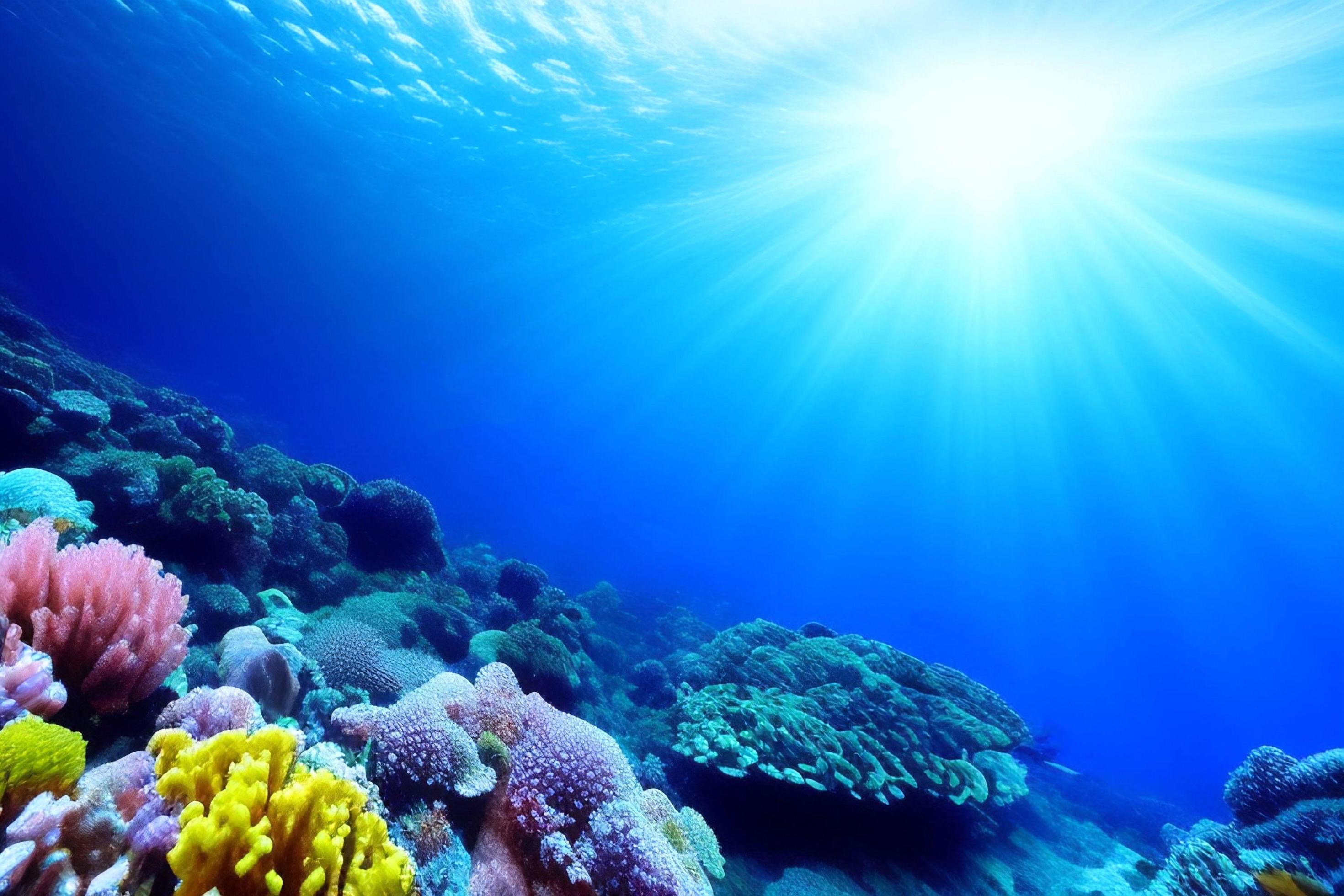
Main underwater background used inside the runner.
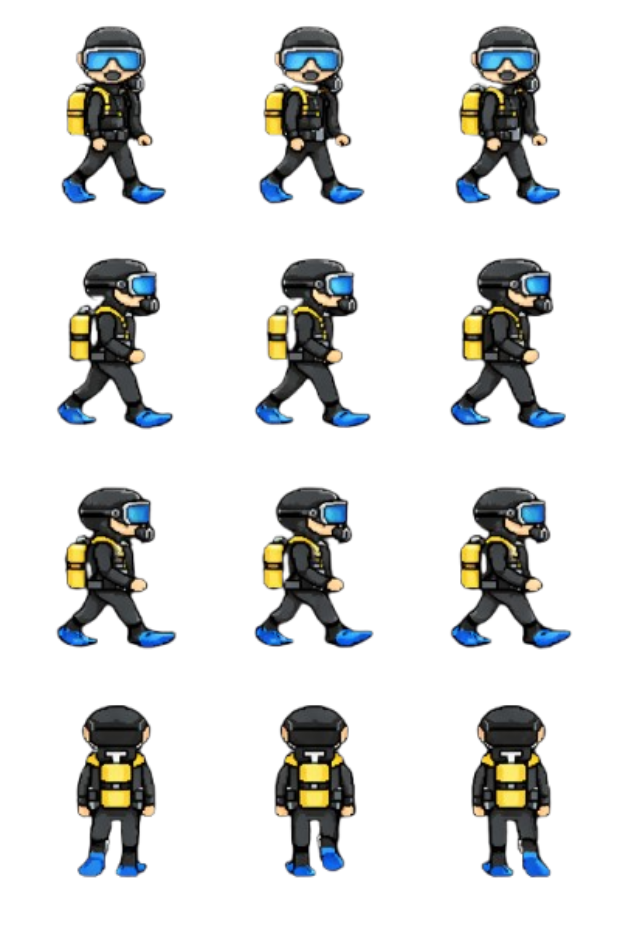
4x3 diver sheet used as the playable character.
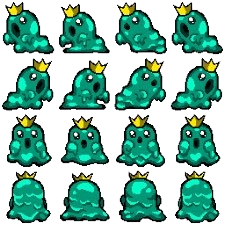
Quest NPC sprite for the underwater story section.
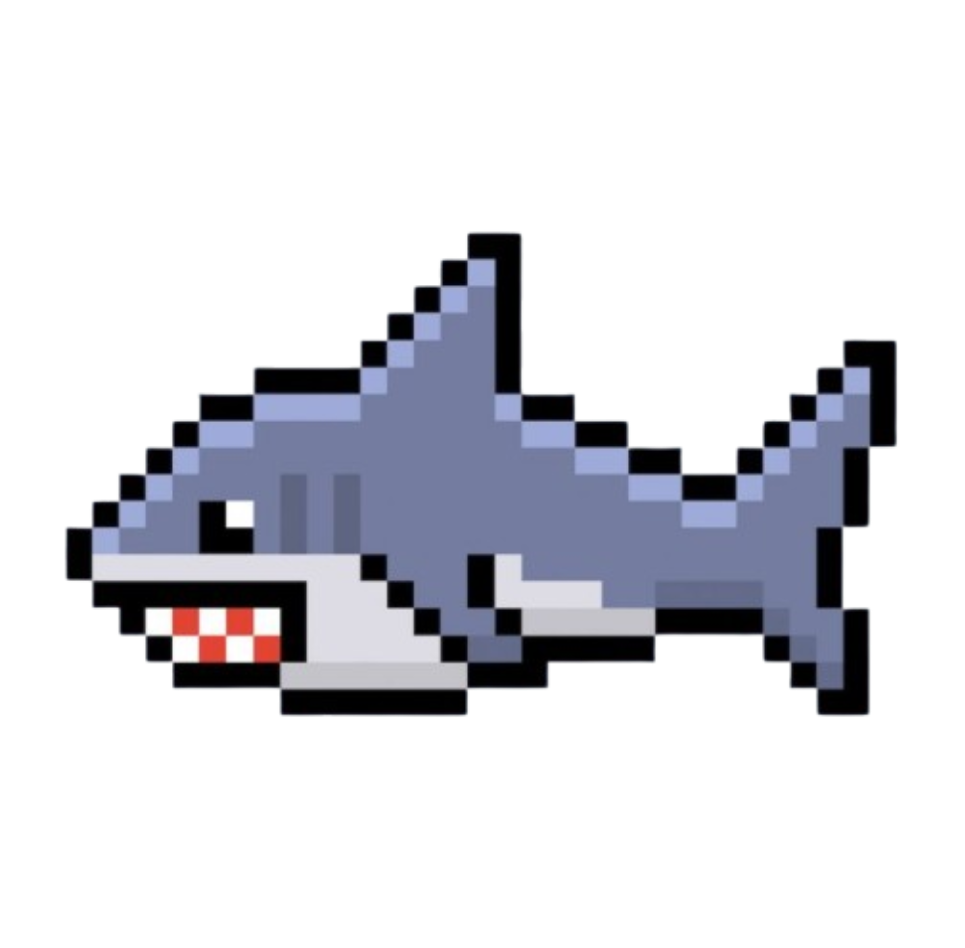
Hazard sprite used for the patrol enemy.

Displayed as the goal icon for the boss-fight phase of the full level.

Surface-world transition art for the second quest scene.
The notebook page now references the same named assets you listed, using site-served copies so the runner can load them on localhost without broken paths.
Functions
Functions are reusable blocks of code, and this file uses them to control game behavior. For example, NPC interact functions decide what happens when the player talks to a character, and helper functions like showStoryStep move the dialogue from one part of the story to the next.
Functions make the game easier to organize because each behavior has its own job instead of placing all logic in one huge block.
const showStoryStep = (step) => {
  if (step === 0) {
    this.dialogueSystem.showDialogue('Before the modern human society...', 'Slime', null);
    return;
  }

  if (step === 1) {
    this.dialogueSystem.showDialogue('Countless plastics were thrown into the ocean.', 'Slime', null);
    return;
  }

  this.dialogueSystem.showDialogue('Please protect the ocean :(', 'Slime', null);
};
Arrays
Arrays appear many times in the Aquatic file to store groups of related data. For example, scubaLeftFrames, scubaThrowFrames, and aquaticSpriteOptions hold multiple frame or sprite objects in order.
Arrays are helpful in games because the code can loop through them, search through them, or select one option from many.
const scubaLeftFrames = [
  { x: 37, width: 146 },
  { x: 208, width: 151 },
  { x: 378, width: 154 },
  { x: 553, width: 167 }
];

const aquaticSpriteOptions = [
  { key: 'scuba-diver', label: 'Scuba Diver' },
  { key: 'boy', label: 'Boy' },
  { key: 'astro', label: 'Astro' }
];
Booleans
Booleans are values that are either true or false, and this file uses them to keep track of game state. For example, values like frontMenuActive, levelCompleted, active, accepted, and completed are booleans.
These booleans help the game know whether a quest has started, whether a boss fight is active, or whether a menu should be shown.
this.frontMenuActive = false;
this.levelCompleted = false;

const questState = {
  firstQuest: { accepted: false, completed: false },
  secondQuest: { accepted: false, completed: false }
};
Variables
Variables store data that the Aquatic level needs to use later. This file creates many variables for paths, sprite sheets, screen size, local storage keys, and quest state. Without variables, the code would need to rewrite the same values again and again, which would make the file harder to read and update.
const path = gameEnv.path || '';
const backgroundAssetPath = path + '/images/gamebuilder/bg';
const spriteAssetPath = path + '/images/gamebuilder/sprites';
const width = gameEnv.innerWidth;
const height = gameEnv.innerHeight;
const aquaticSpriteStorageKey = 'aquatic_selected_sprite_v1';
Conditionals
Conditionals are used throughout the Aquatic file to choose what happens next. For example, the Slime NPC uses if statements to decide which dialogue or quest option to show depending on the player’s progress.
This is important in games because the same character should not always say the same thing after the player completes a mission.
if (q2.pendingSlimeCompletion) {
  this.dialogueSystem.showDialogue('You have saved the ocean...', 'Slime', null);
  return;
}

if (q1.completed && !q2.accepted) {
  this.dialogueSystem.showDialogue('Will you take Aquatic Quest #2?', 'Slime', null);
  return;
}
Classes
The file defines a class named GameLevelAquaticGameLevel. A class is a blueprint that groups together data and behavior for one part of a program. In this case, the class represents the whole aquatic level.
Using a class makes sense because the level needs to store many related values like music, quests, boss state, player state, and helper functions all in one organized structure.
class GameLevelAquaticGameLevel {
  constructor(gameEnv) {
    this.gameEnv = gameEnv;
    this.frontMenuActive = false;
  }
}
Constructors
The constructor is the special part of a class that runs when the level is created. In the Aquatic file, the constructor sets up everything the level needs, such as paths, sprites, quests, challenge state, and music. This is where the game prepares the level before the player starts moving around inside it.
constructor(gameEnv) {
  this.gameEnv = gameEnv;
  this.questState = questState;
  this.challengeState = challengeState;
  this.levelCompleted = false;
  this.playerLock = false;
}
Methods
Methods are functions attached to objects or classes. In the Aquatic file, NPC objects have methods like interact, and those methods decide how characters respond to the player.
Methods help keep actions attached to the object that owns them, which makes the code easier to understand.
const kirbyNpc = {
  id: 'Kirby',
  interact: function() {
    if (levelContext.gameMode === 'challenge') return;
    AiNpc.showInteraction(this);
  }
};
Strings
Strings are pieces of text, and the Aquatic level uses them for file paths, character names, dialogue, and local storage keys. Many of these strings are combined with other values to create complete asset paths. This lets the code build image or audio locations dynamically instead of hardcoding every path separately.
const path = gameEnv.path || '';
const backgroundAssetPath = path + '/images/gamebuilder/bg';
const aquaticSpriteStorageKey = 'aquatic_selected_sprite_v1';

const kirbyNpc = {
  id: 'Kirby',
  greeting: 'Poyo! Ask me anything about ocean cleanup and sea life.'
};
Data Abstraction
Data abstraction means organizing complex information into structures that are easier to use. This file does that with objects like playerData, questState, challengeState, and the NPC objects.
Instead of keeping every value as a separate loose variable, the code groups related values together so the rest of the game can work with them more clearly.
const questState = {
  firstQuest: { accepted: false, completed: false, collected: 0 },
  secondQuest: { accepted: false, completed: false, collected: 0 }
};

const playerData = {
  id: 'playerData',
  INIT_POSITION: { x: 180, y: 300 },
  keypress: { up: 87, left: 65, down: 83, right: 68 }
};
Mathematical Expressions
Mathematical expressions are used whenever the Aquatic file needs to calculate positions, sizes, rows, or columns. Even small calculations matter in games because movement and animation depend on exact numbers.
Expressions with +, -, *, and functions like Math.min help the game place sprites correctly and control animation directions.
const width = gameEnv.innerWidth;
const height = gameEnv.innerHeight;

const rightRow = Math.min(1, 4 - 1);
const leftRow = Math.min(2, 4 - 1);

const startPosition = { x: 180, y: 300 };
Iteration
Iteration means repeating a process, and the Aquatic file uses repeated patterns to manage dialogue steps, frame data, and groups of knowledge entries. Even when the code does not show a full for loop in the section we read, arrays and repeated dialogue/button structures are designed so the game can move through multiple steps in order.
Iteration is important in games because animation frames, quest progress, and dialogue sequences all depend on repeated actions.
const knowledgeBase = {
  ocean: [
    { question: 'Why are plastics dangerous?', answer: 'They harm marine life.' },
    { question: 'What are microplastics?', answer: 'Tiny plastic fragments.' }
  ]
};

knowledgeBase.ocean.forEach((entry) => {
  console.log(entry.question);
});